Instead of taking an order in one place and checking payment somewhere else, OrdeON connects the full flow: customer orders, customer pays, restaurant receives a confirmed paid order.
No payment confusion. No manual matching. No "did this customer actually pay?" detective work.
Why iyzico?
iyzico is a popular payment provider in Turkiye, used by businesses for online card payments, Virtual POS, payment links, and merchant transaction management.
- Business account signup: iyzico Business Signup
- Virtual POS application: iyzico Virtual POS Application
For OrdeON, iyzico gives restaurants a reliable payment layer for:
- QR menu ordering
- Table ordering
- Pickup orders
- Delivery orders
- Paid checkout
- Loyalty points
- Promotions
- Upselling
- Order tracking
The goal is not just "accept card payments." The real value is connecting payment to the restaurant's ordering and management workflow.
How iyzico works inside OrdeON
A typical payment flow looks like this:
- The customer scans the restaurant's QR code.
- They choose items from the digital menu.
- They select dine-in, pickup, or delivery.
- They continue to checkout.
- OrdeON starts the iyzico payment flow.
- The customer pays online.
- The paid order appears in the OrdeON restaurant dashboard.
- Staff prepare, serve, deliver, or track the order.
This helps restaurants reduce unpaid orders, speed up service, and keep orders and payments connected in one system.
How restaurants can connect iyzico to OrdeON
1. Create an iyzico business account
Start from the iyzico business signup page: iyzico Business Signup
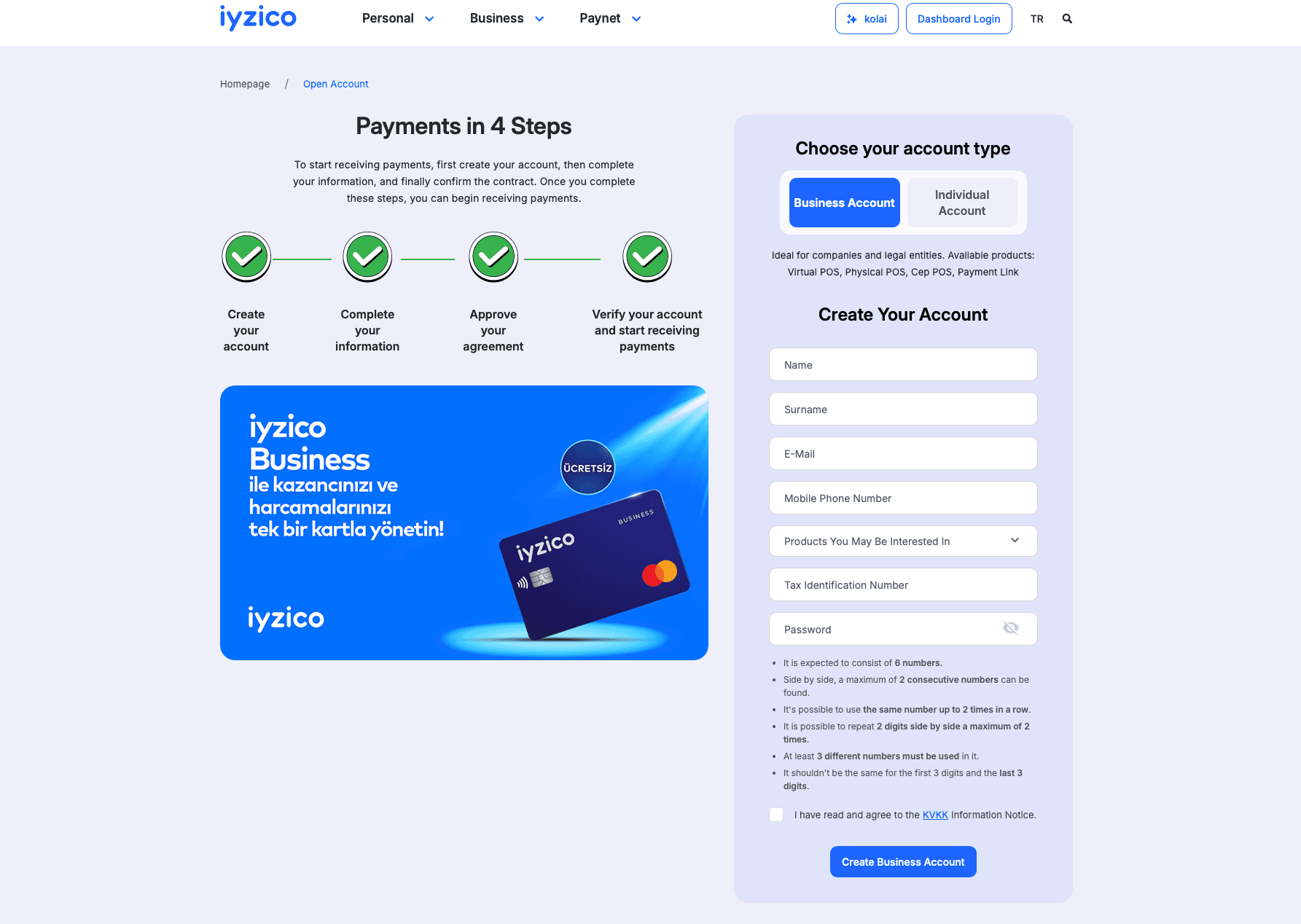
Caption: Create an iyzico business account before connecting payments to OrdeON.
2. Apply for Virtual POS
Apply for online payment acceptance through iyzico's Virtual POS page: iyzico Virtual POS Application
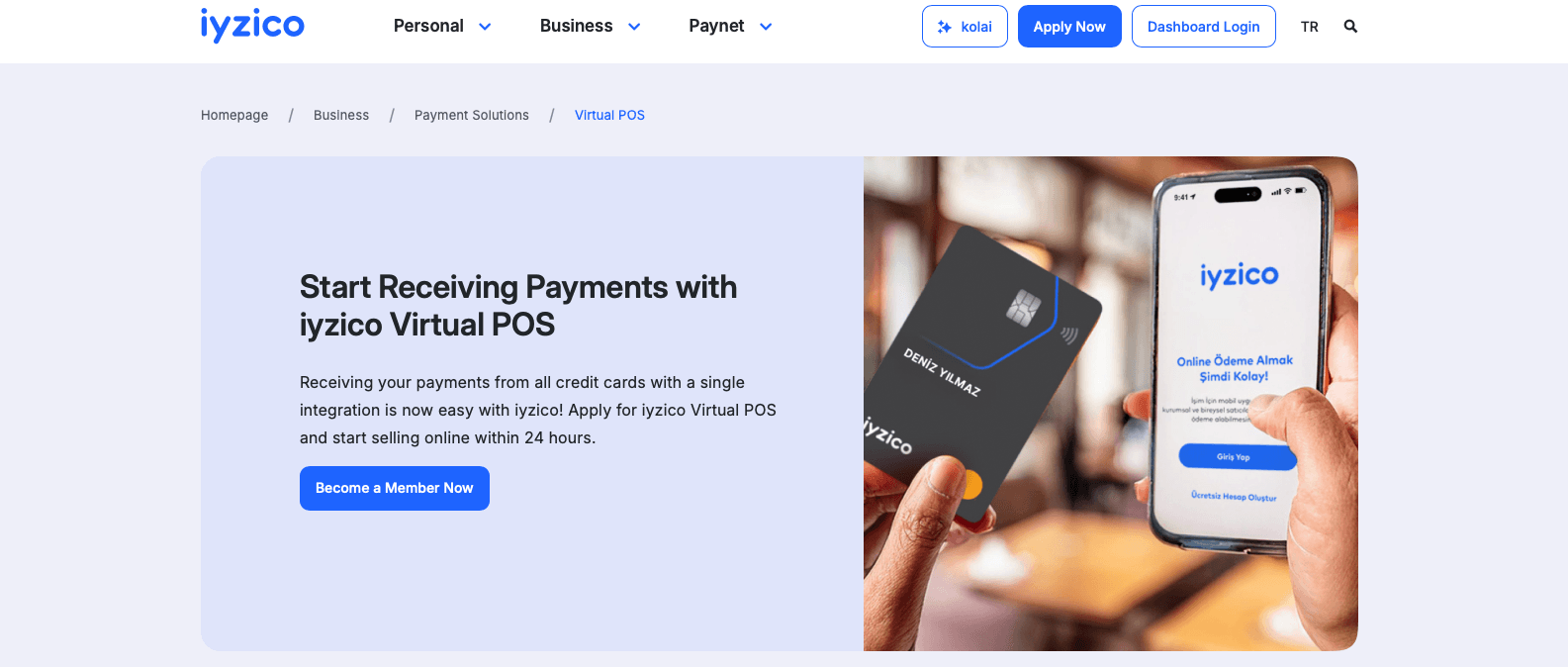
Caption: Restaurants apply for iyzico Virtual POS before accepting live payments.
3. Log in to the iyzico merchant panel
After approval, log in here: iyzico Merchant Panel Login
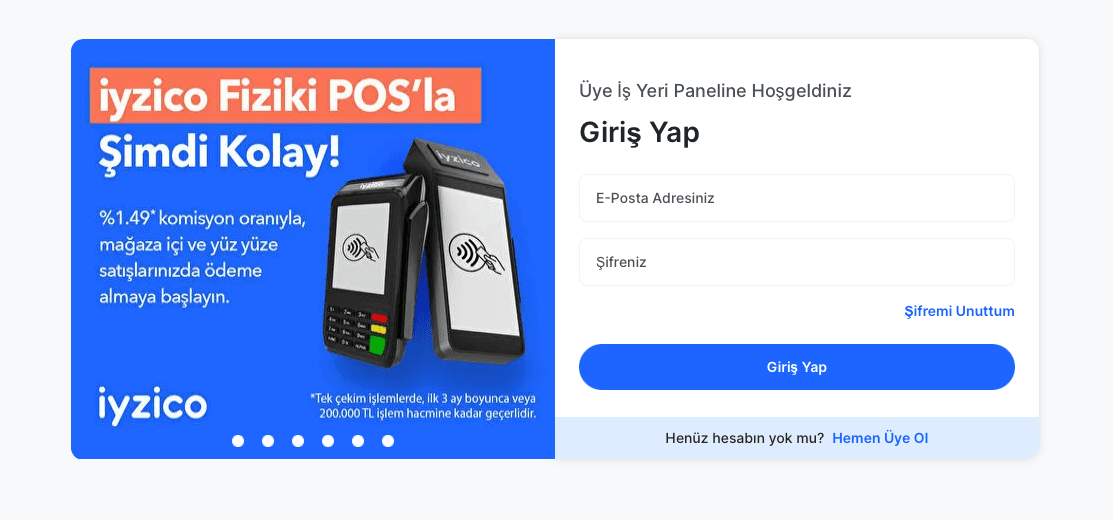
Caption: The merchant panel is where restaurants manage payment settings and API credentials.
4. Find the API keys
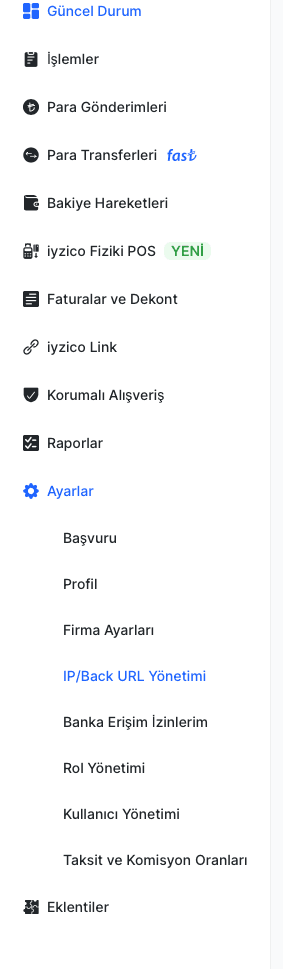
Inside the iyzico merchant panel, API keys are usually found here: Settings - Merchant Settings - API Keys - Show detail.
Useful guide: iyzico Sandbox API Keys Guide
- API Key
- Secret Key
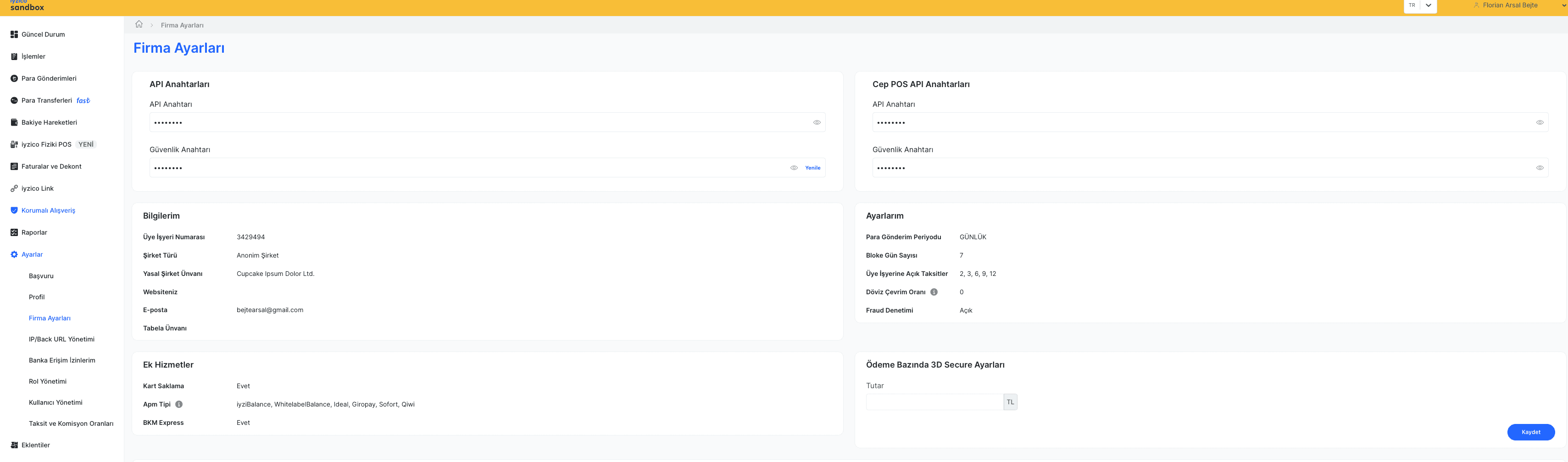
Caption: Blur the API Key and Secret Key before publishing screenshots.
5. Add the keys to OrdeON
Inside OrdeON, add your iyzico credentials and payment mode.
| Field | Value | Provider |
|---|---|---|
| iyzico API Key | From iyzico | iyzico |
| Secret Key | From iyzico | iyzico |
| Mode | Sandbox or Live | OrdeON setting |
| Payment flow | QR, pickup, delivery, or all | OrdeON setting |
Caption: Add iyzico credentials inside OrdeON to activate online payments.
Why this matters for restaurants
- accept online payments from QR orders
- reduce unpaid pickup and delivery orders
- speed up table service
- connect payments with loyalty points
- run promotions
- upsell before checkout
- track paid orders clearly
- manage ordering and payments from one platform
For pickup and delivery, this is especially useful. Restaurants can confirm payment before preparing the order, then use their own courier or delivery agency while keeping the order flow inside OrdeON.
Final thoughts
The iyzico integration makes OrdeON more useful for restaurants that want digital ordering, online payments, pickup, delivery, loyalty, promotions, and order tracking in one place.
Customers get a smoother checkout. Restaurants get confirmed paid orders. Staff get fewer payment interruptions. Less chaos, more orders.